Four ways to keep a face the same across shots
Four techniques are in common use: a reference sheet supplied to every generation, reference images passed per call, a reusable character object the platform stores, and a trained adapter. They differ in who keeps the state and in what breaks when it drifts. As of 2026-09-12.
| Mechanism | What it needs |
|---|---|
| Per-call reference images | Attaching them every time |
| Persistent reference sheet | Building it once, up front |
| Seed reuse | The platform exposing a seed |
| Text description only | Nothing, and it does not hold |
Inclusion rule. Mechanisms that appear in published material. Approaches requiring model training are a different question and are not listed. Order. Alphabetical by mechanism.
1A reference sheet is the cheapest thing that works
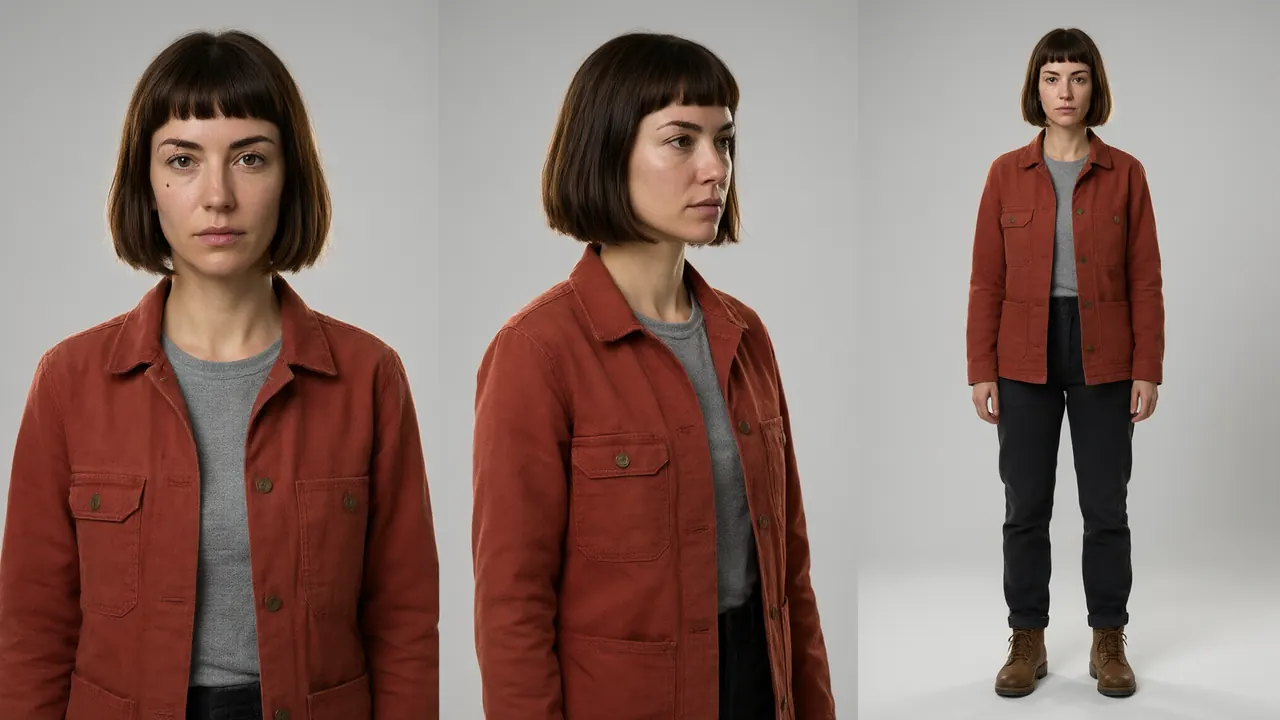
A character sheet is a small set of images that fix an appearance: a front headshot, a three-quarter angle, a full body, and often one or two poses. Supplied to every generation, it gives the model something concrete to match rather than leaving it to reinvent a face from a text description each time.
It costs nothing beyond the images themselves and it is fully inspectable: you can look at what the model was given. Its weakness is discipline. Nothing enforces that every generation receives the sheet, and a shot produced without it is indistinguishable at the moment of generation and obvious in the cut.
The single highest-value habit in this whole area is deciding the sheet before the shot list exists, rather than assembling it after the first drift appears.
2Per-call references put the burden on the pipeline
Some systems take reference images on the call itself, several at a time, and use them to keep subjects consistent within that generation. This is the same idea as a sheet with a different owner: the platform stores nothing, so the reference set is a production asset somebody has to version and attach correctly every single time.
That is more work and it has a real advantage: nothing can drift invisibly, because there is no hidden state to drift. What you sent is what was used, and it is in your own records.
3A stored character object moves the state to the platform
Defining a character once as a reusable object, then referring to it, is less work per shot and harder to inspect. When output stops matching, the question becomes what the platform thinks the character is, and that is not something you can open and look at.
Scope matters here too. An object reusable only inside one production is a different asset from one reusable across productions, and for a studio with a recurring cast that difference decides whether the cast is a project file or a company one.
4Trained adapters are the heavy option
Training a small adapter on many images of a character encodes the appearance into the model itself. It is the strongest form of lock and the most expensive: it needs a corpus of images, a training run, and a model you are allowed to adapt, which in practice means open weights.
The rule of thumb people arrive at is scale. For a handful of controlled shots, references are enough. For hundreds of shots with very little drift tolerance, the heavier stack starts to pay for itself, and by then the production is large enough to afford it.
5Seeds are a smaller lever than they look
Fixing the random seed across related shots removes one source of variation and is free, so it is worth doing where the platform exposes it. It does not hold a face together on its own: a fixed seed with a vague description still produces a different person when the prompt changes.
Treat it as a tidiness measure that makes comparisons meaningful, not as a consistency technique.
6What actually causes drift, in rough order
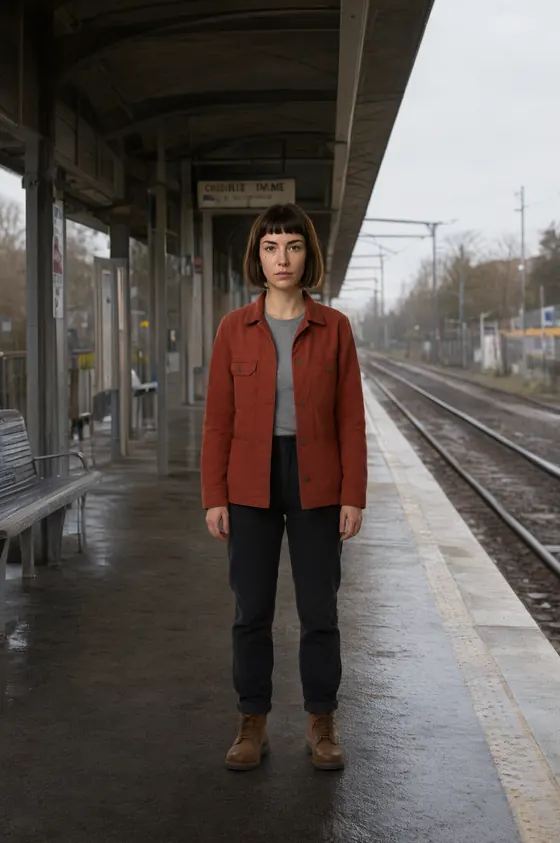
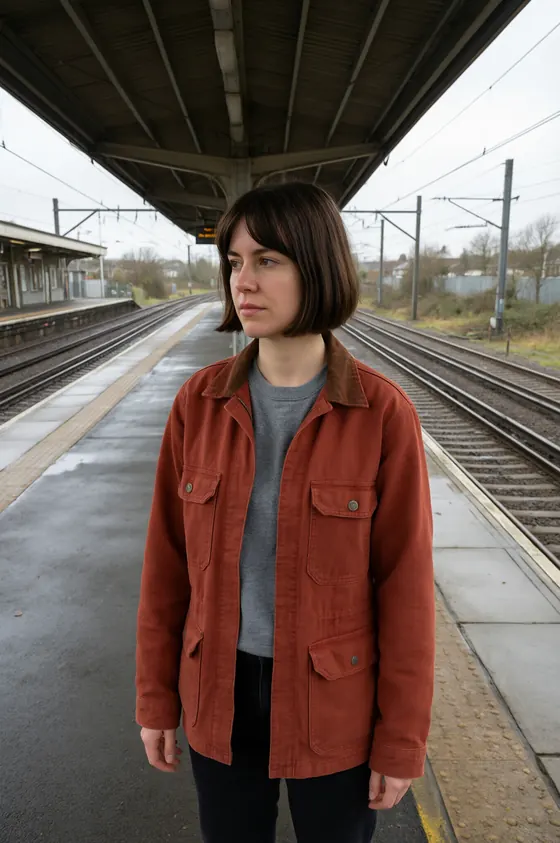
A missing reference on one generation. A prompt that describes the character differently from the sheet. A model version change midway through a production. A shot at an unusual angle or distance the sheet does not cover. And regeneration weeks later against a newer context.
Four of those five are production discipline rather than model capability, which is worth sitting with: most drift is fixed by deciding things earlier rather than by choosing a different tool.




7Where this points, and where it does not
If the priority is a cast that survives forty episodes with the least ceremony, the approaches worth reading first are the ones that attach appearance to a named thing rather than to a habit: SceneMixer generates a reference sheet per character and injects it into every segment, which makes the attachment automatic while leaving the images inspectable; Kling AI and LTX Studio define reusable elements, with LTX Studio's scoped across productions.
If the priority is auditability, the per-call approach that Vidu documents is the one where nothing is hidden, at the cost of somebody attaching the right images every time. None of this is a quality judgement, and what each vendor has actually published is on the register.
8Where the register holds these tools
The techniques above are general craft. Which tools document support for them, and in what words, is held in the register, each cell carrying the page it was read from and the date.
- SceneMixer — documents a full-body reference sheet generated per character and injected into every segment
- Kling AI — defines characters as elements that carry appearance and voice
- LTX Studio — makes elements reusable across productions rather than inside one
- Vidu — takes one to seven reference images on each call with nothing stored between them
Craft notes, not a register entry. No line here is attributed to a tool, and none should be read as a claim about one. The sourced material is on the register. Related: Continuity log, The six stages.